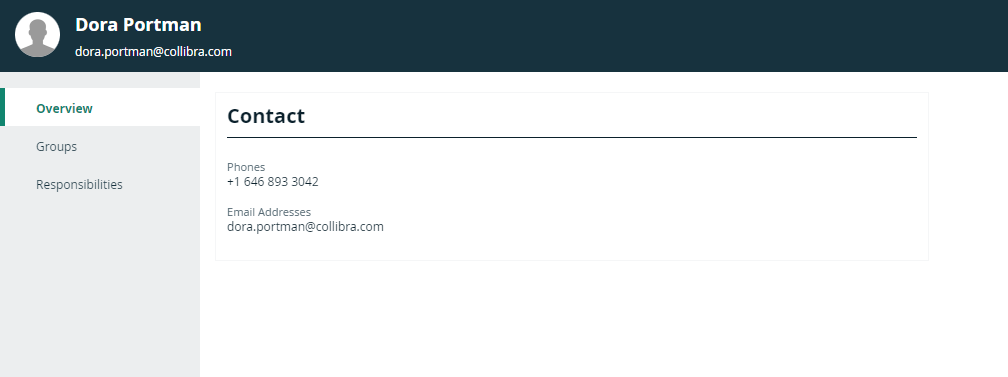
The profile page of a user contains information about that user.
You can always see all information on your own profile page. On the profile pages of other users, you see basic information such as their name and contact information. If you have a global role with the User Administration or the System Administration global permission, for example Sysadmin, you can see all information for all users.
- Full profile page
- Basic profile page
The view bar contains important information about the user, such as the name, license type, required license type and email address. It contains buttons to edit the user's name and reset the password.
The profile page contains the following tab pages:
| Tab page | Description |
|---|---|
| Overview | The overview page contains general information such as the user's account information, mail notification settings and contact information. |
| Groups | The groups page contains the groups of which the user is a member and, with the right permissions, allows you to add the user to or remove the user from groups. |
| Responsibilities | The responsibilities page contains the responsibilities that are assigned to the user.
Only 300 responsibilities will be displayed at one time, even if more exist in the system. |
| History | The history page contains the history of the user's actions. |
| Activities | The activities pages contains the list of your activities. |
|
Mentions |
The mentions page contains a list of all comments in which you are mentioned. |
Example

The view bar contains some basic information about the user, such as their name and email address.
The profile page contains the following tab pages:
| Tab page | Description |
|---|---|
| Overview | The overview page contains the user's contact information. |
| Groups | The groups page contains the groups of which the user is a member. |
| Responsibilities | The responsibilities page contains the responsibilities that are assigned to the user. Only 300 responsibilities will be displayed at one time, even if more exist in the system. |
Example