Create a Collibra environment
A Collibra Data Intelligence Cloud environment is a collection of services that are logically linked together.
Note With Collibra Console, you can manage many nodes, but these nodes must be on the same version as your Collibra Console.
Steps
- Open Collibra Console with a user profile that has the SUPER role.
Collibra Console opens with the Infrastructure page.Tip- The default address to access Collibra Console is <server hostname>:4402, but you may have set another port during the installation of Collibra Console. Keep in mind that a firewall of your operating system can block the access to Collibra Console.
- The default credentials to sign in to Collibra Console are Admin / admin. We highly recommend that you edit the Collibra Console administrator's password after signing in for the first time.
-
In the tab pane, click
Add / Create.
The Add / Create dialog box appears. - Click Create environment.
The Create Environment dialog box appears. - Enter a name.
- Click Create Environment.
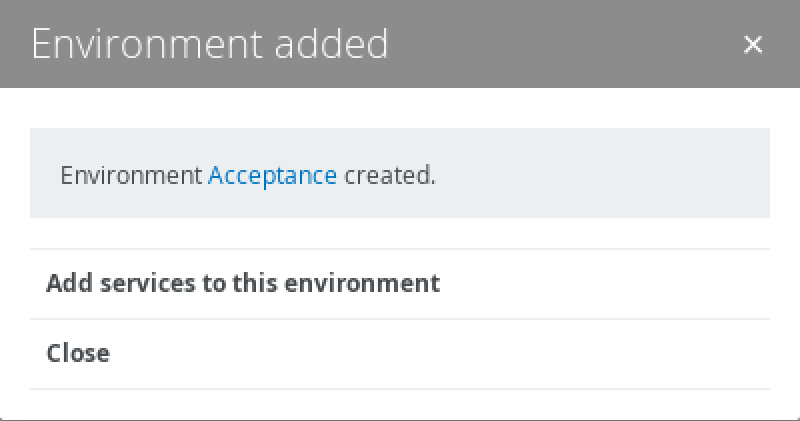
- Perform one of the following steps:
- Click Close to end the wizard.
- Click Add services to this environment to immediately add services.Note If the node that hosts the service you want to add is not yet available in Collibra Console, click Add services from a new node under the drop-down list and add the node details.