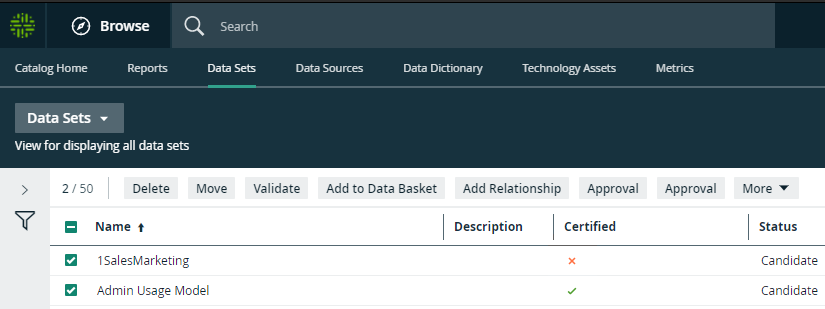
The Data Sets overview page contains the data sets that are available in Collibra Data Intelligence Cloud. You can view the data sets in table display mode or tile display mode.
Tile display mode
- Click a data set title to open its details.
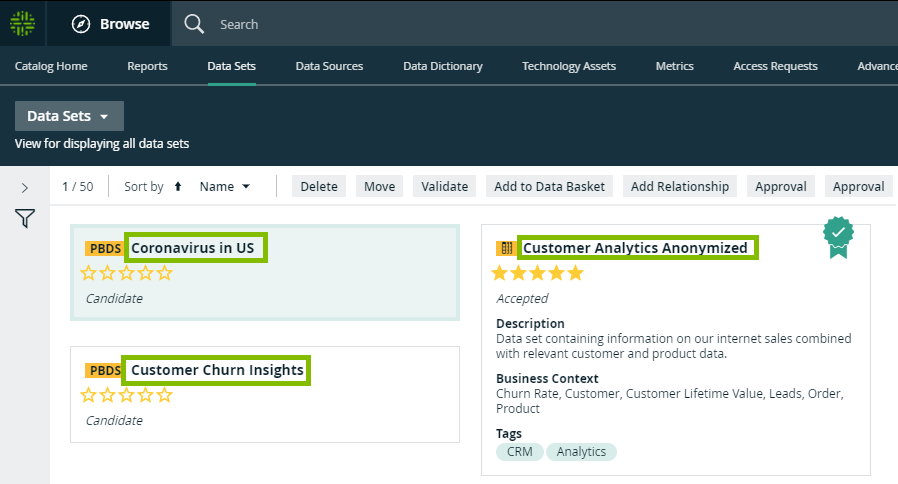
- Click anywhere in the tile except for the title to select the data set. The list of actions that you can perform is displayed.
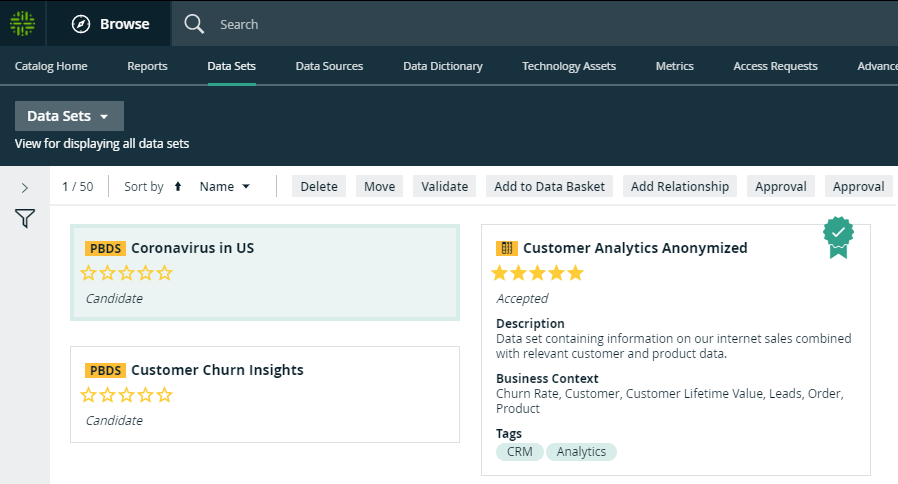
Table display mode
- Click a name of the data set to open its details.

- Select one or more data sets. The list of actions that you can perform is displayed.
Note The Sample Data tab shows the first 100 columns of data. If you have more than 100 columns, they are not shown.