Add characteristics to an asset
You can add a characteristic to an asset to add additional information about it.
Prerequisite
You have assigned the characteristic type to the relevant assignment of the asset's type.
Steps
- Open an asset page.
-
In the tab pane, click
Add Characteristic.
The Add a characteristic dialog box appears.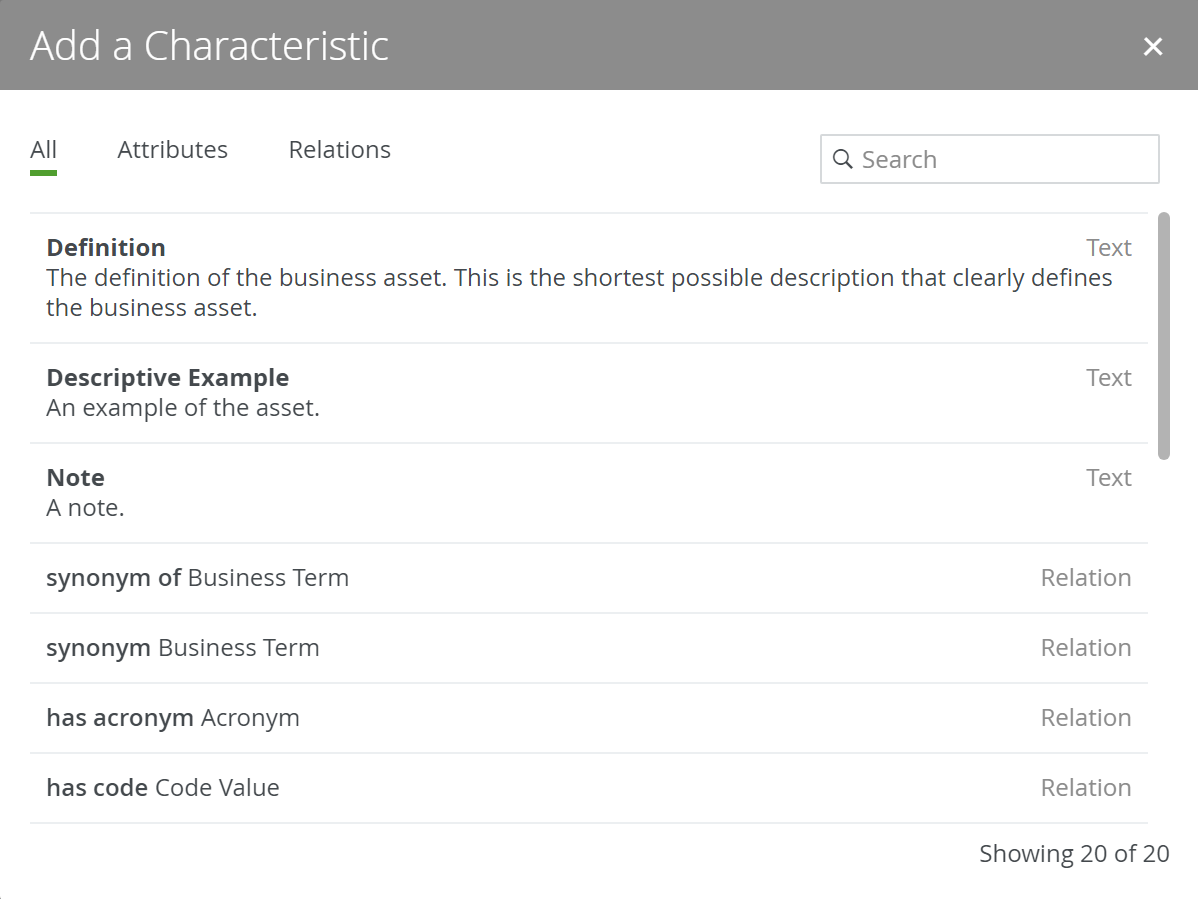
- In the Add a Characteristic dialog box, do one of the following:
If ... then ... You want to add an attribute: Click Attributes. You want to add a relation: Click Relations. You want to filter the characteristics: - Click All.
- Click in the Search field.
- Start typing the name of the characteristic that you want to add.
Note If the characteristic type is not in the list, it is not in the asset type's assignment. - Enter the required information.Note The required information depends on the characteristic that you are adding.
- Click Save.