Edit legend colors
In an Asset Grid, the legend colors are automatically selected. These colors could be meaningless or even confusing. You can edit these colors to suit your needs.
Prerequisites
You have the Asset Grid Admin global role.
Steps
- In Asset Grid, open a grid.
- Near the top-right corner, click
 .
.
The grid legend appears. - In the Legend window, click Edit Colors.
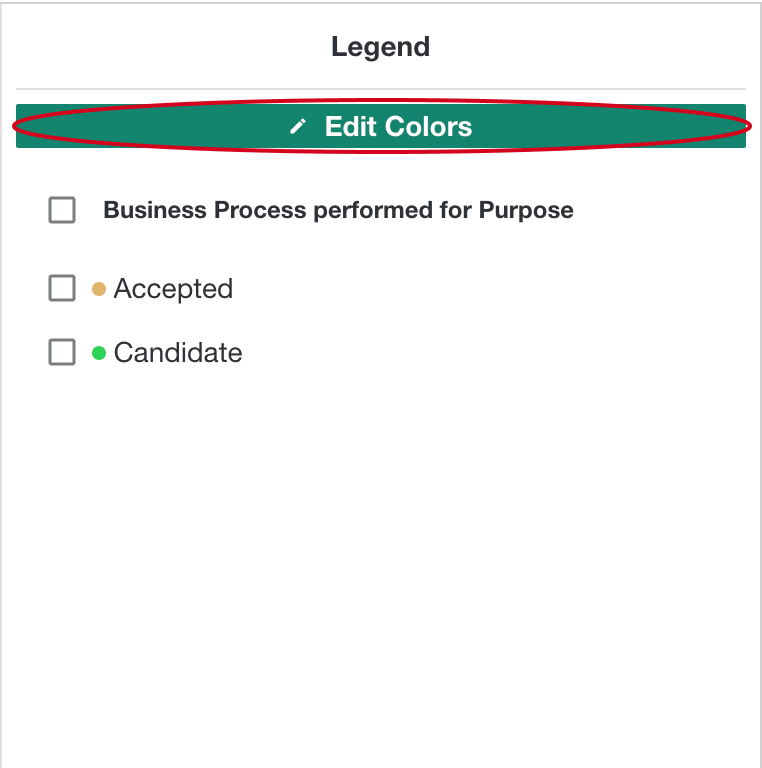
- Select the legend item for which you want to edit the color.
The color selector appears.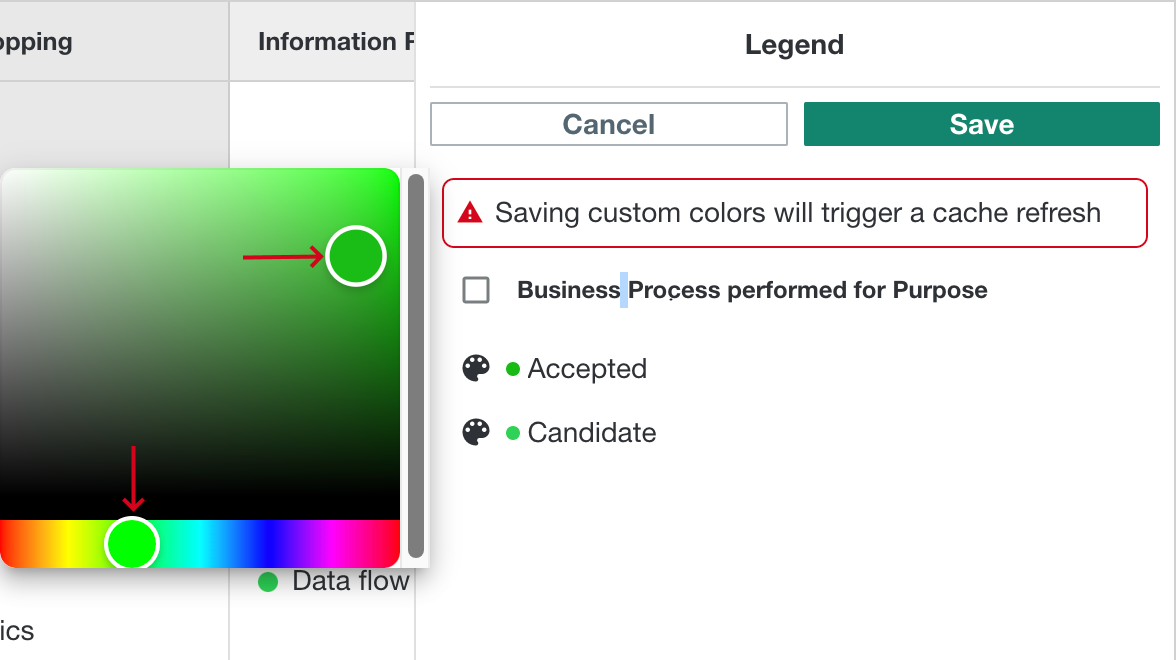
- At the bottom of the color selector, select a color from the color palet. Above the color palet, select the gradient.
- Click outside the color selector window to close it.
- Repeat steps 4 to 6 for each item that you want to edit.
- Click Save.
The grid is updated with the new colors.