Transform
Transform Date
During DQ setup you can transform columns such as Dates and Numbers to preferred formats. It is a common need to replace N.A. with nulls or empty white space.
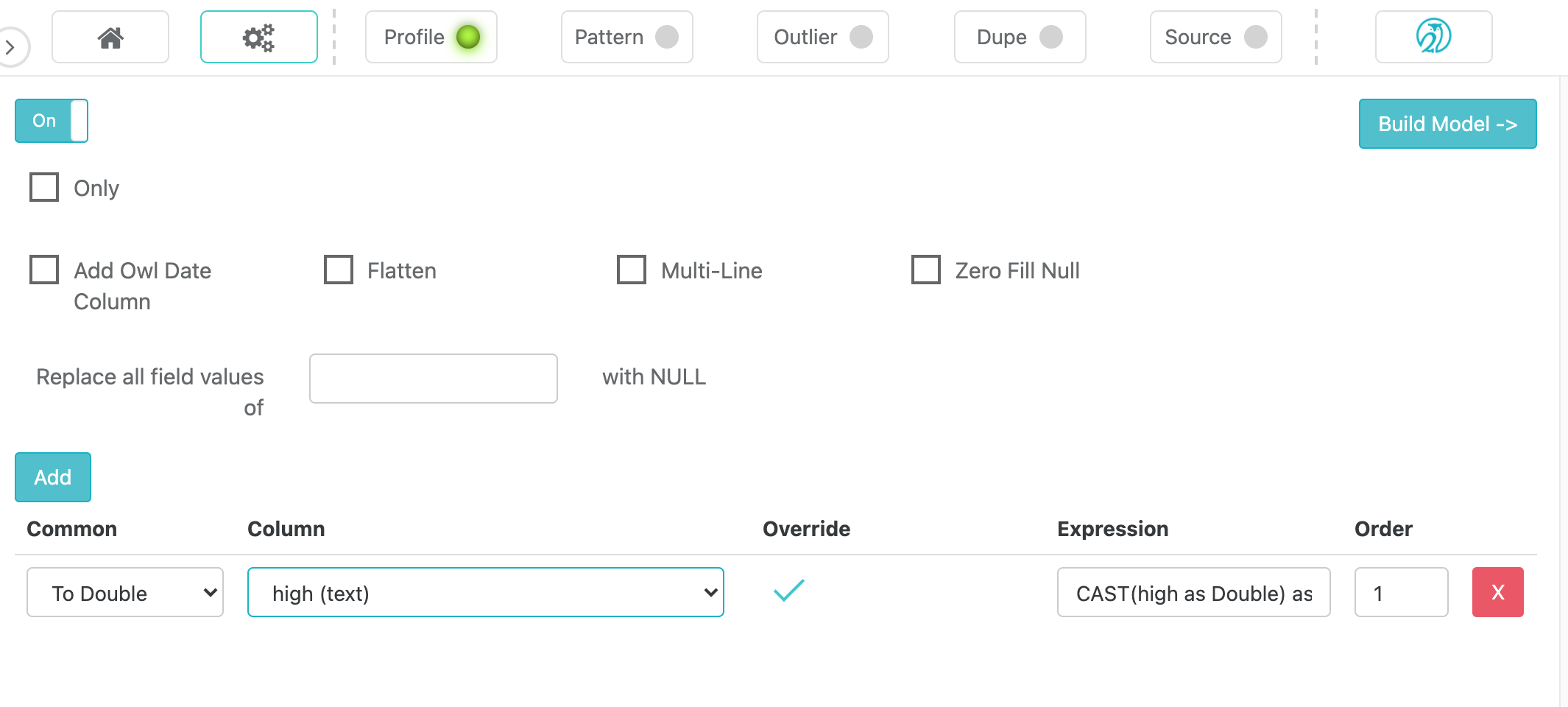
Example
Copy
./owlcheck \
-ds  "dataset_transform" \
-rd  "2018-01-31" \
-f   "/Users/Documents/file.csv" \
-transform "purch_amt=cast(purch_amt as double)|return_amt=cast(return_amt as double)"
Note Submit an expression to transform a string to a particular type
In this example, transform the purch_amt column to a double
Copy
-transform "purch_amt=cast(purch_amt as double)"
Note Example of converting a string to a date
Copy
-transform "RECEIVED_DATE=to_date(CAST(RECEIVED_DATE AS STRING), 'yyyyMMdd') as RECEIVED_DATE"