Export grids
Asset Grids are not included in the backup process of your Collibra Data Intelligence Cloud environments. By exporting the grids, you can create your own backup. You can also use these exports to use them in another Collibra environment.
Export a single grid
- Go to the Asset Grid homepage.
- At the end of a grid row, click
 and then Export grid.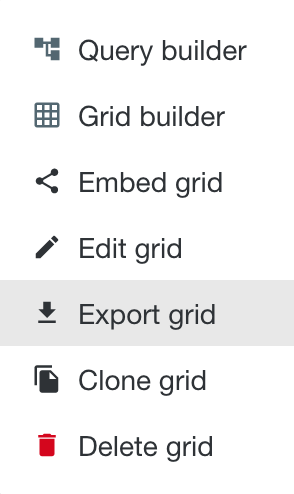
- In the popup window, select Save File and click OK.
Your grid is saved as a ZIP archive.
Export all grids
- Open Asset Grid.
- Click the avatar in the top-right corner and then Export grids.
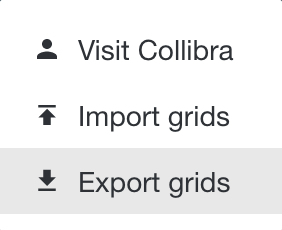
- In the popup window, select Save File and click OK.
All your grids are saved in a ZIP archive. The name of the archive file includes the creation date and time.