Dashboard design best practices
Recommendation
Improve navigation and visualization utilizing dashboards as your landing page with out of the box widgets and marketplace dashboard design kit, embedding CSS and HTML.
Impact
Scale up usage and adoption across diverse user communities, by improving the user experience with more appealing direct access to critical information and capabilities.
Best Practice Recommendations
A typical order for designing new dashboards is as follows:
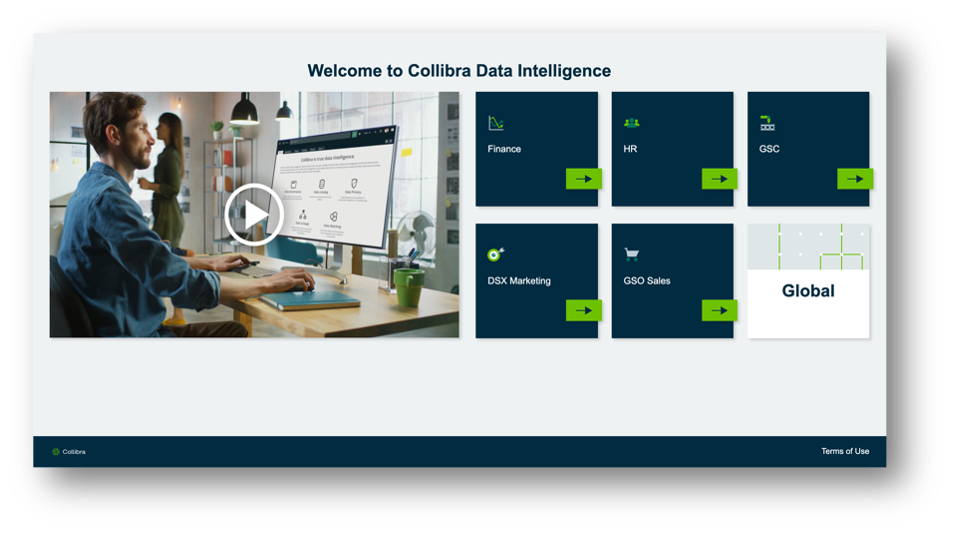
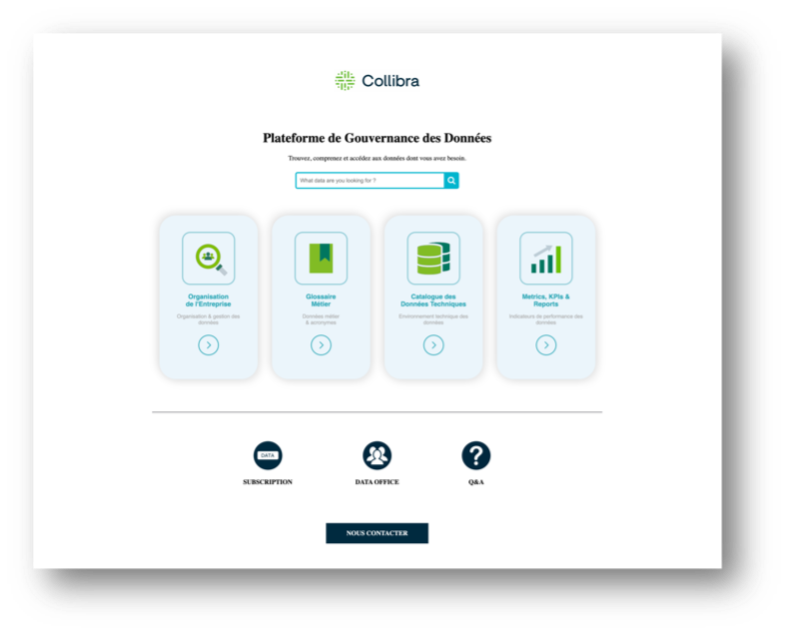
- Start with a home page concept that allows users to understand and navigate the Collibra functionality in your implementations (see examples 3, below).
- Normalize community/domain hierarchy in such a way that makes it easily consumable in the context of a specific role or group (see example 1, below).
- Build dashboards for specific roles: data owners, stewards, privacy officers, highly focused on visual (rather than textual) representation (see example 1, below).
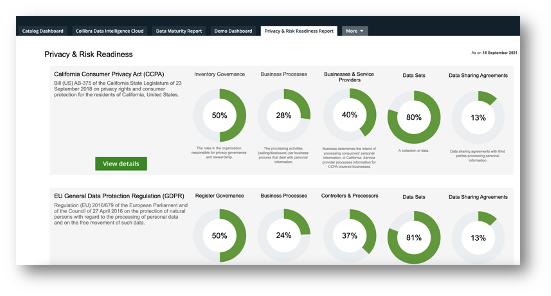
Build dashboards with KPIs and metrics of all Collibra content with filters, allowing managers to assess progress of the data governance program, within a given community (see example 4, below).
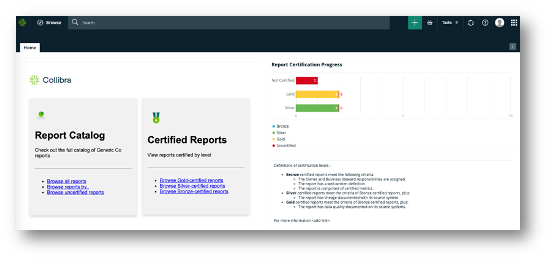
Use embedded business intelligence (BI) reporting using a Collibra Insights widget (cloud only) rather than building natively in Collibra for operational reporting and executive dashboards (see example 2, below).
Validation criteria
Leverage monitoring tools and gather user feedback/surveys to monitor monthly/quarterly usage and adoption.
For more information, see the following resources (requires Collibra login):
- Widget to Embed any Web Page in Collibra Dashboard - Collibra Marketplace
- Collibra Dashboard Design Kit - Collibra Marketplace
- https://university.collibra.com/learn/course/external/view/elearning/481/supporting-user-adoption-of-the-collibra-platform
Do's and Don'ts
Do's
- Consider ease of navigation and user ergonomics in your design
- Use a consistent color scheme or palette
- Design the page with as few objects as possible, whose purpose are clear and most used
- Instantly answer essential questions from your visitors
- Highlight the main features
Don'ts
- Bright and/or conflicting colors
- Density - too much text or graphic busy-ness
- Unclear navigation
- Irrelevant information
Examples
Example 1 - Community structure
Example 2 - Embedded Tableau dashboard
Example 3 - Navigate Collibra
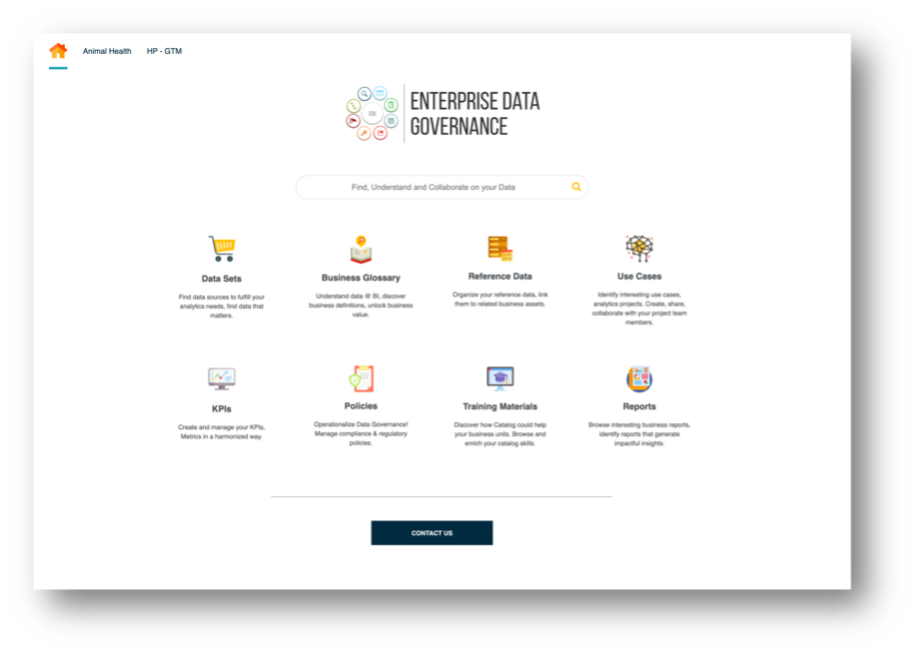
Example 4 - Collibra content and metrics