Auto-matching data
When you are configuring Collibra Browser Extension, you can add domains of web applications, such as Power BI and Tableau. The Collibra Browser Extension then detects data from those applications and shows the equivalent Collibra Data Intelligence Cloud resource details with a single click. If you have added a web domain to the Browser Extension and you are visiting that domain, the Collibra icon is shown as an overlay.
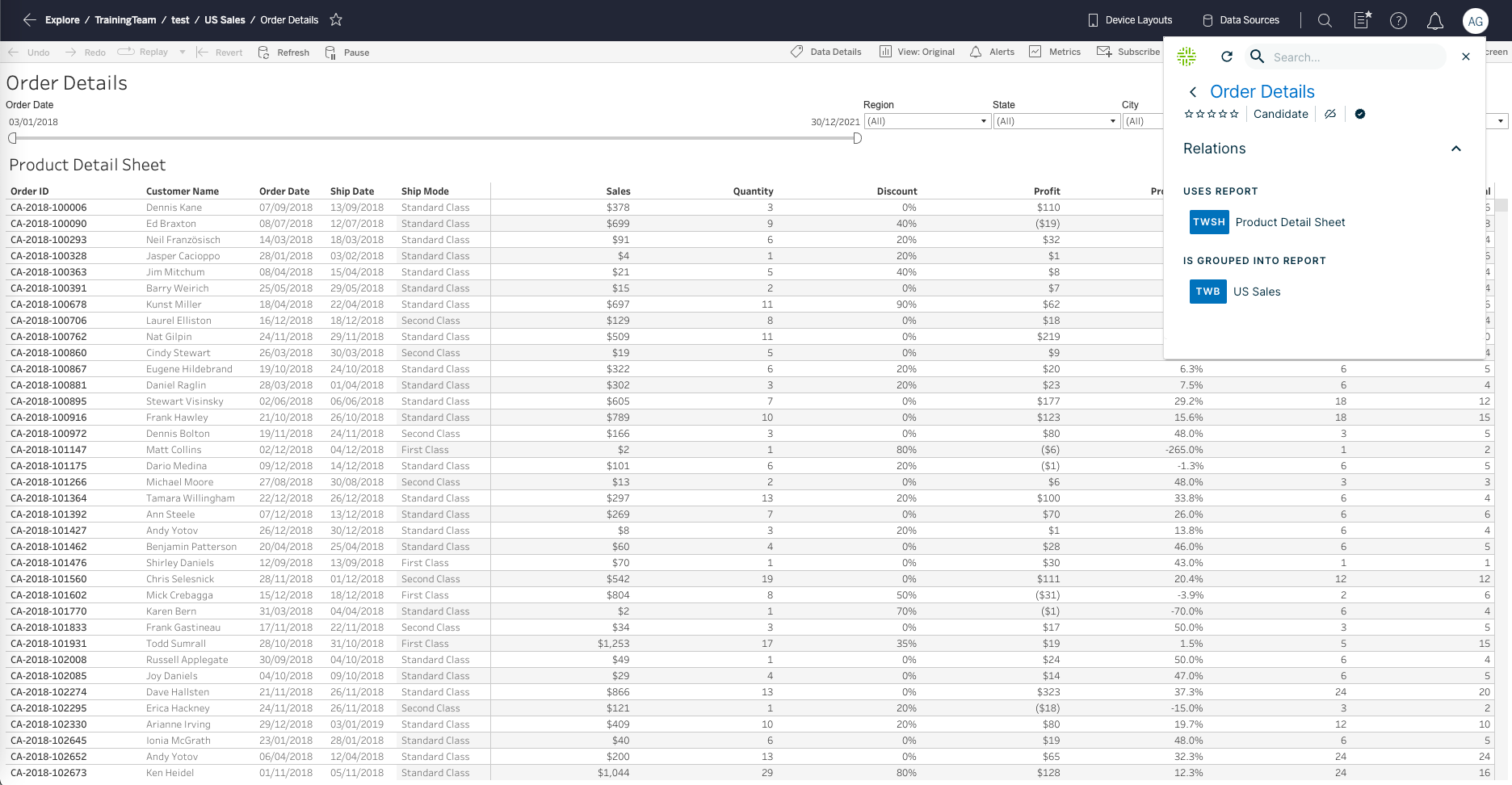
For example, if you are consulting a dashboard in Tableau and you click the Browser Extension overlay logo, the extension shows the details of the representative Tableau dashboard asset in Collibra, including responsibilities, data attributes and related assets.
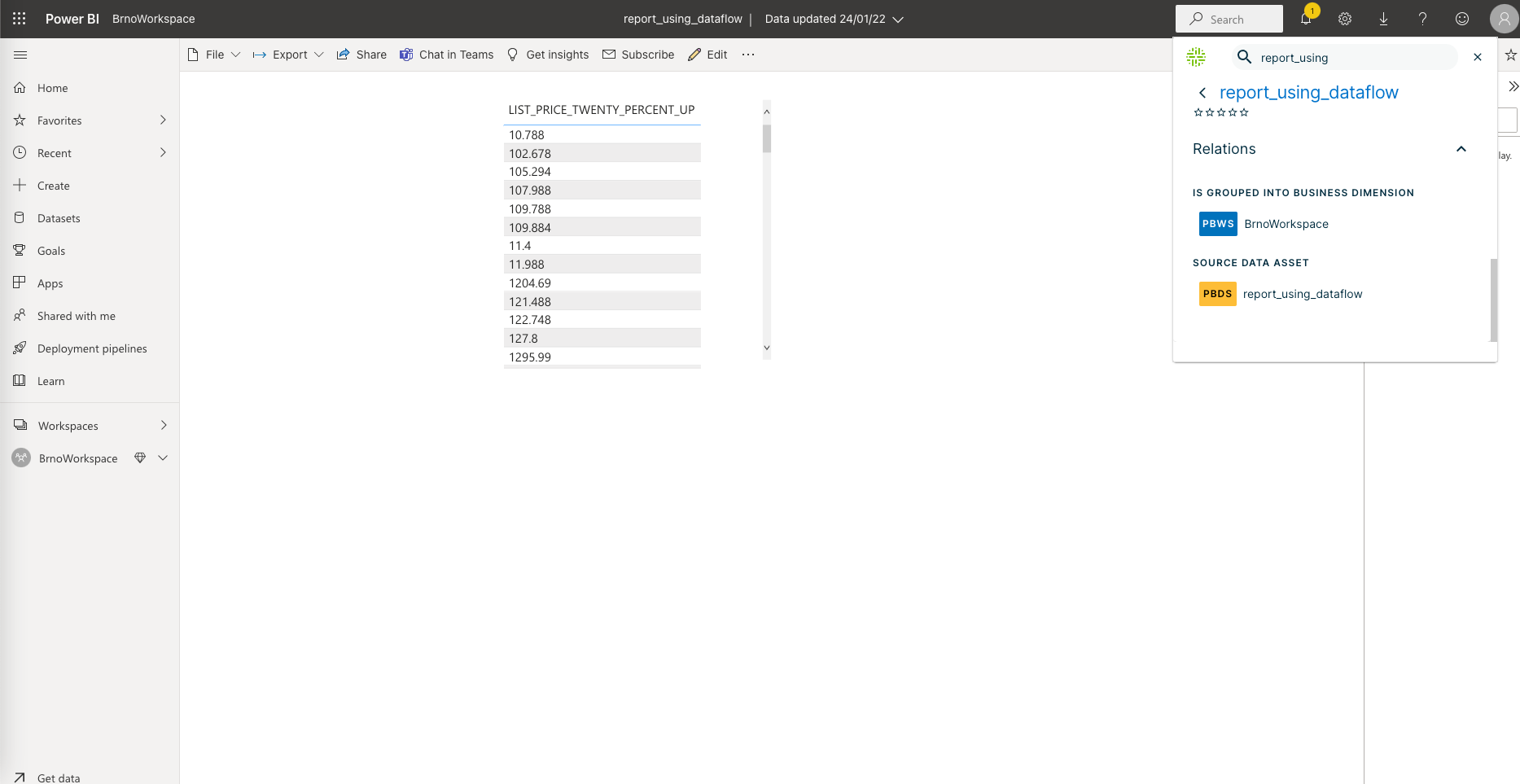
The following image shows a report in Power BI and the details of the equivalent Power BI Report asset in Collibra.