Create a domain
You can create a new domain in a community.
Steps
- In the main menu, click the
Create (
 ) button.
The Create dialog box appears. - Click the Organization tab.
- Click a domain type from the list.
If you selected the wrong domain type here, you can still change it in the Type field in the next screen.
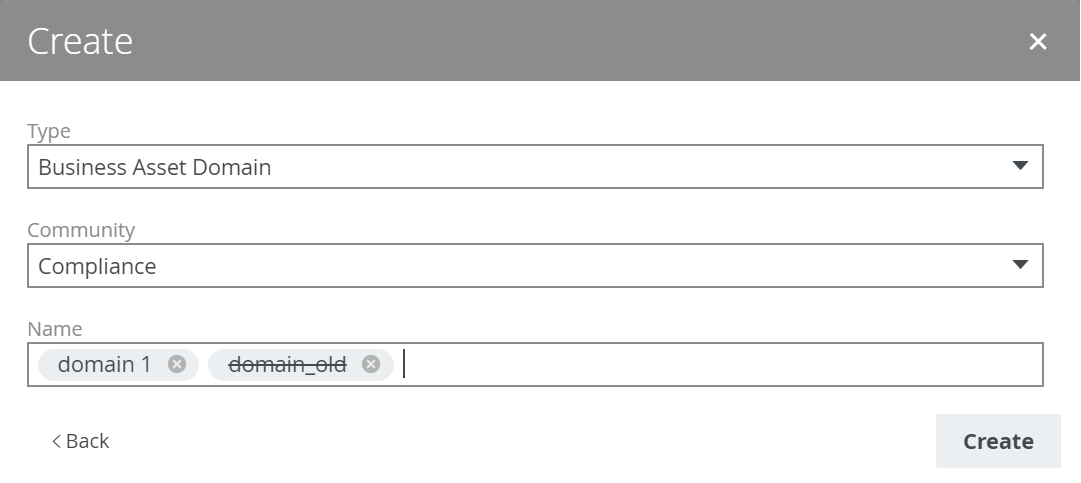
The Create Domain dialog box appears. - Enter the required information.
Field Description Type
The domain type of the domain you are creating.
This field contains the domain type that you clicked in the previous step. You can change it if needed.
Community The community under which the domain will be located. Name
The name of the new domain.
TipYou can create multiple
To do this, press Enter after typing a value and then type the next. - Click Create.