Sort a set of tiles
You can sort a set of tiles by the field of your choice.
Steps
- Do one of the following:
- Open a view in tiles display mode.
- Open an asset page with related assets shown in tiles display mode.
- Do one of the following:
- On the left, click Name, or if sorting has been done by another field, click that field name.
- If you or someone else sorted on more than one column in table display mode and you then switched to tile display mode (see the note below), click
 .
.
- Select the field by which you want to sort the tiles.
The tiles are sorted in descending order. - Optionally, click
 to sort in ascending order.
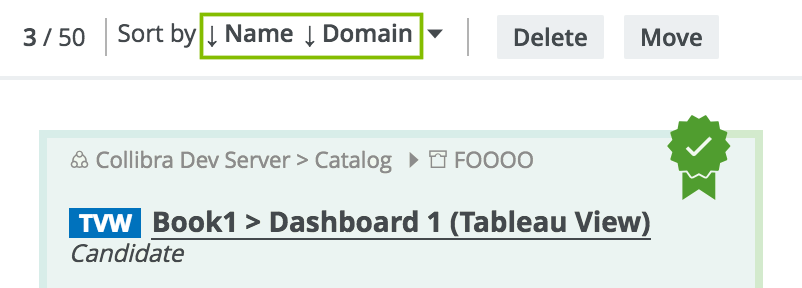
Note If you or someone else sorted on more than one column in table display mode and then you switch to tile display mode, the multi-column sort is carried over to tiles. In the following example figure, the table was sorted by the Name and Domain columns before switching to tiles display mode.