Data Sources page
The Data Sources page is a view that shows all the data sources (in other words, all assets of asset type Data Assets) that were used in the creation of Data Catalog Data Sets.
You can view the assets in table display mode or tile display mode.
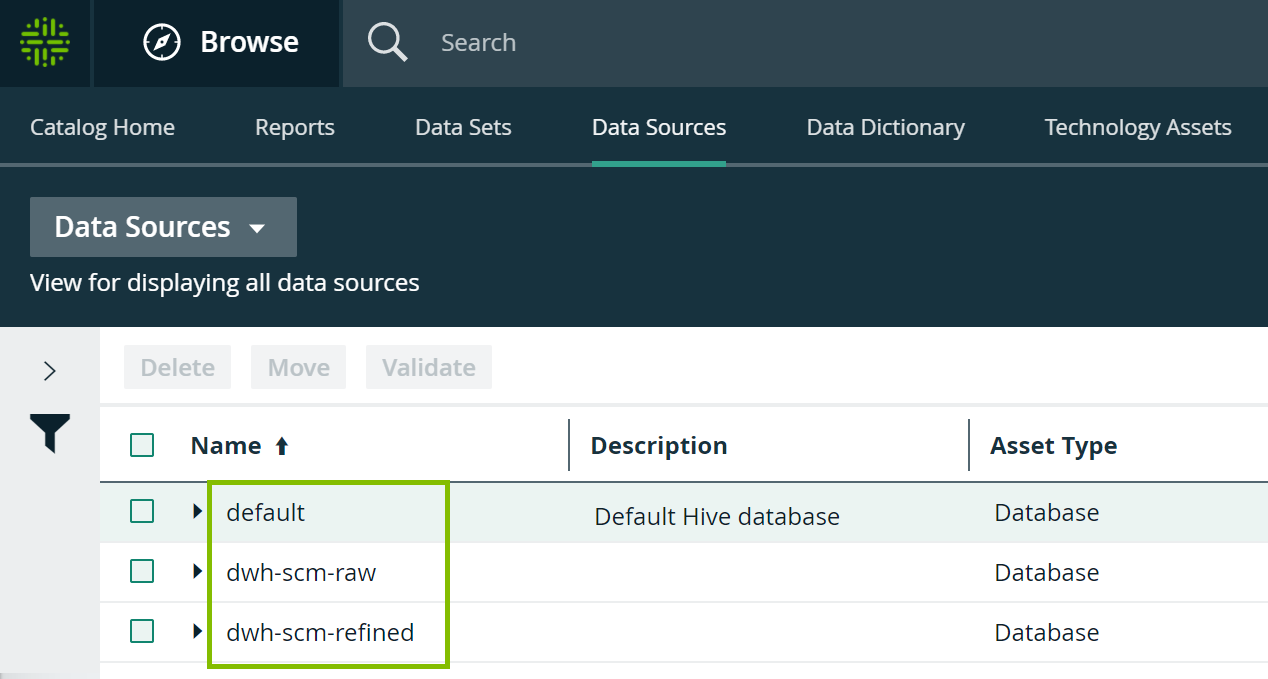
Data sources in table display mode
With hierarchies enabled, you can expand the assets to consult the structure of the data sources.
- Click an asset name to open the relevant asset page.
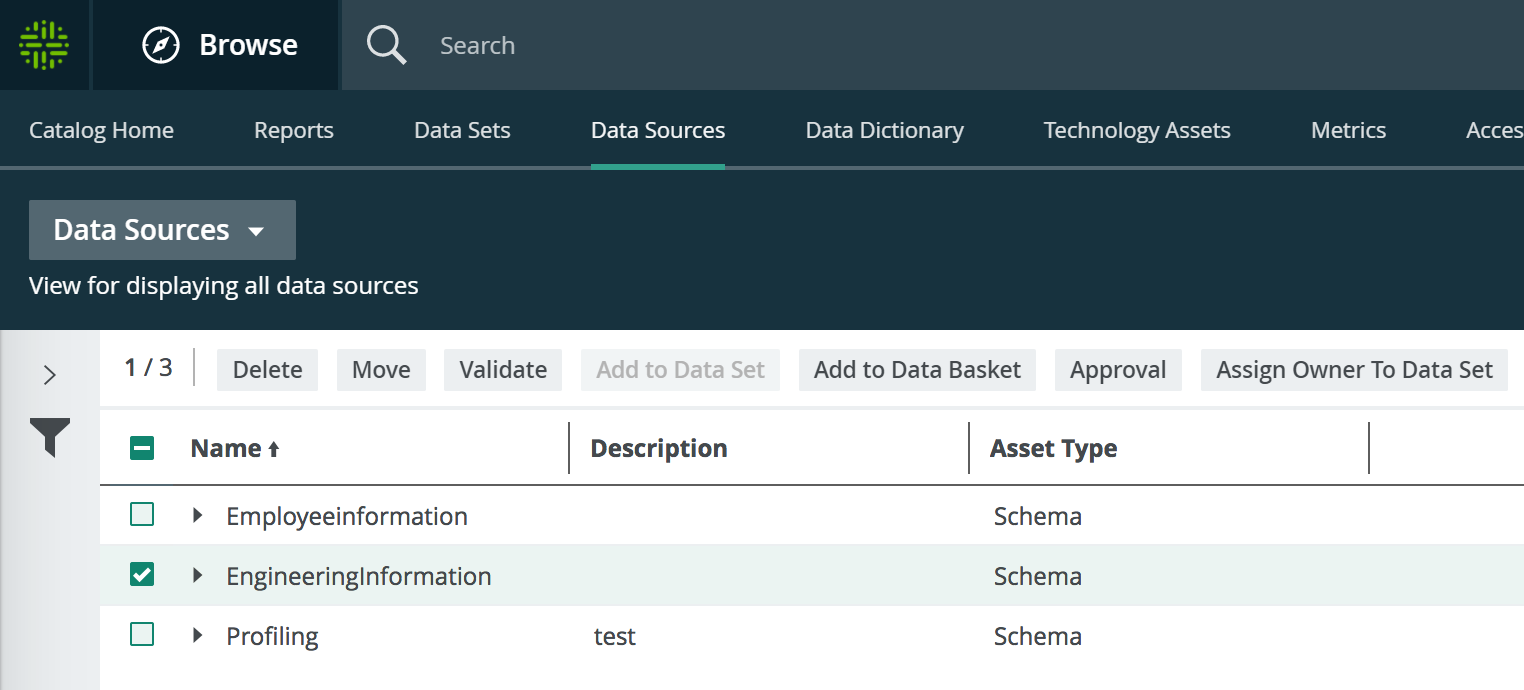
- Select one or more assets. The list of actions that you can perform is then displayed.
Data sources in tile display mode
- Click an asset name to open the relevant asset page.

- Click anywhere else in the tile to select the asset. The list of actions that you can perform is then displayed.
