Access Requests page
If you have requested access to one or more Data Catalog Data Sets, the Access Requests page allows you to view the status of your requests.
When you request access to a data set:
- an asset of the Data Usage type is created in the Data Usages domain in your community.
- the request Assets Access workflow is started.
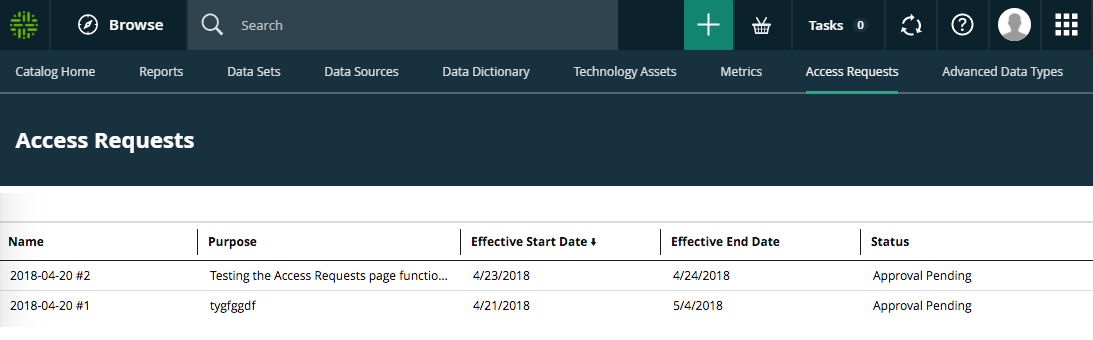
The names of your requests are automatically generated with the date of your request. You can click the request name to open the asset page, which shows all the information relative to your request.
If you've requested access to many data sets, you can Sort on one or more columns on any of the columns on the Access Requests page, to help you find a specific access request.