Workflow design best practices
Applies to: Asset volume in workflow design
Recommendation
When performing bulk operations within a workflow, design for the expected asset count to be processed.
Impact
Long running workflows that operate in bulk can have performance implications that affect a variety of other processes and user activity within Collibra.
- Can lead to high CPU consumption that impacts the end-user experience of page-load times.
- Can cause resource starvation that can kill other newly-initiated processes.
- Cloud customers may face network latency issues from the heavy traffic of bulk operations.
- Can reduce workflow efficiency and enterprise performance.
Recommended action
- Use Java APIs within workflows that execute in a job.
- Use the respective Java APIs that are designed for bulk activity and processing, these are the Import API and OutputModuleAPI.
- Execute bulk processing workflows outside of business hours.
- Use the "Asynchronous" within workflow tasks that require bulk processing logic.
- Use scripted batching logic so as not to overwhelm an individual API and/or process sets of data all at once.
- Do not execute multiple bulk workflow processes at once; segment execution outside of business hours and/or throughout the day.
- Do not perform bulk operations within a workflow that is intended to be state/lifecycle oriented.
Collibra product capability it relates to
Workflows
Topic area
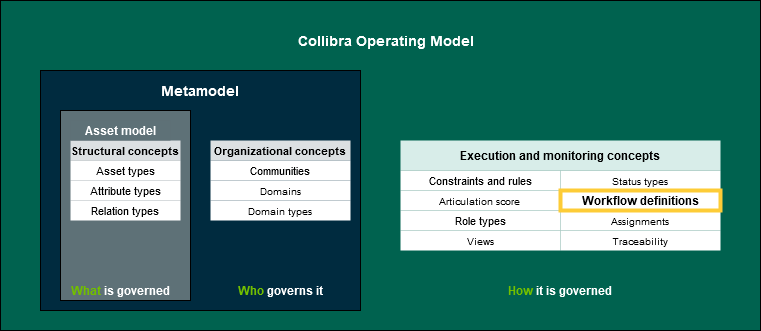
Execution and Monitoring (Workflows)
Criteria measurement type
Workflow script
Review Workflow BPMN file.
Log info statements to get the asset count during bulk operations
For more information, see the Documentation Center and Developer Portal (requires Collibra login):
- Workflow documentation: https://developer.collibra.com/workflows/workflow-documentation/
- Import API documentation: https://developer.collibra.com/rest/import-api-documentation/
- Output Module (PDF)