Navigate between tiles pages
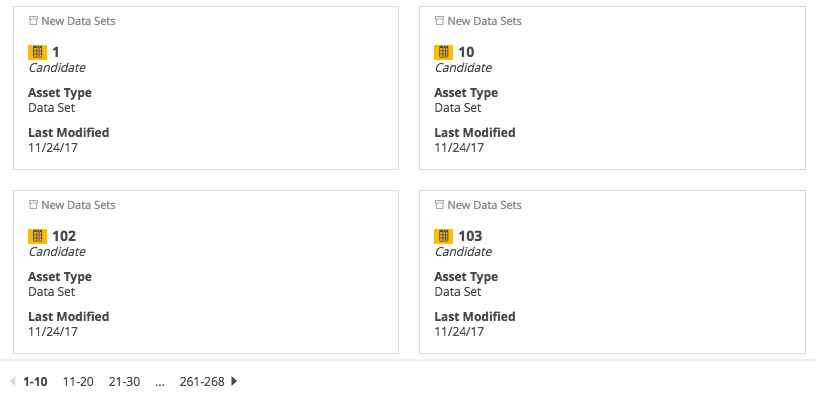
If a set of tiles contains more tiles than you are currently showing, they are split across multiple pages. You can navigate between these pages.
Tip You can change the number of tiles per page.
Steps
- Do one of the following:
- Open a view in tiles display mode.
- Open an asset page with related assets shown in tiles display mode.
- If the set of tiles contains more tiles than those displayed, the lower left corner shows the number of pages.
Do one of the following:To navigate to... click... the previous page 
the next page 
the first page the first page.
Example: 1-10
one of the two previous or following pages the desired page. the last page the last page.
Example: 261-268