Add a node to your infrastructure
A node is a physical server that runs one or more services of a Collibra Data Intelligence Cloud environment.
Prerequisites
- The node that you want to add to your infrastructure must be up and running and reachable from the Console that you are using.
- The version of the node must match the version of Collibra Console.
Tip To add a node that was previously registered to another Collibra Console, see the knowledge base on the Collibra Support Portal.
Steps
- Open Collibra Console with a user profile that has the SUPER role.
Collibra Console opens with the Infrastructure page.Tip- The default address to access Collibra Console is <server hostname>:4402, but you may have set another port during the installation of Collibra Console. Keep in mind that a firewall of your operating system can block the access to Collibra Console.
- The default credentials to sign in to Collibra Console are Admin / admin. We highly recommend that you edit the Collibra Console administrator's password after signing in for the first time.
-
In the tab pane, click
Add / Create.
The Add / Create dialog box appears. - Click Add node.
The Add node dialog box appears. - Enter the necessary information.
Field Description Node name Enter a meaningful name for the node. Hostname Enter the hostname or IP address of the node, for example 192.168.1.100 or repository-node-A.
If you use a hostname, make sure that the Collibra Console can resolve the hostname.
Note Do not reuse hostnames, every hostname must be unique. If you reuse a hostname for a node that will be used in a repository cluster, the cluster won't synchronize.
Port Enter the agent port. This is the port through which Collibra Console connects to the node. The default value is 4401.
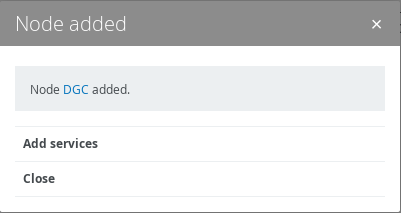
- Click Add node
- Click Close.