Sorting Data Catalog overview pages
To reorder the data on Catalog pages, such as reports, data sets, data sources and so on, follow these steps:
-
In the main menu, click
 , then
  Catalog.
The Catalog Home opens. - Click any of the items in the submenu, for example Data Sets.
- Sort your data:
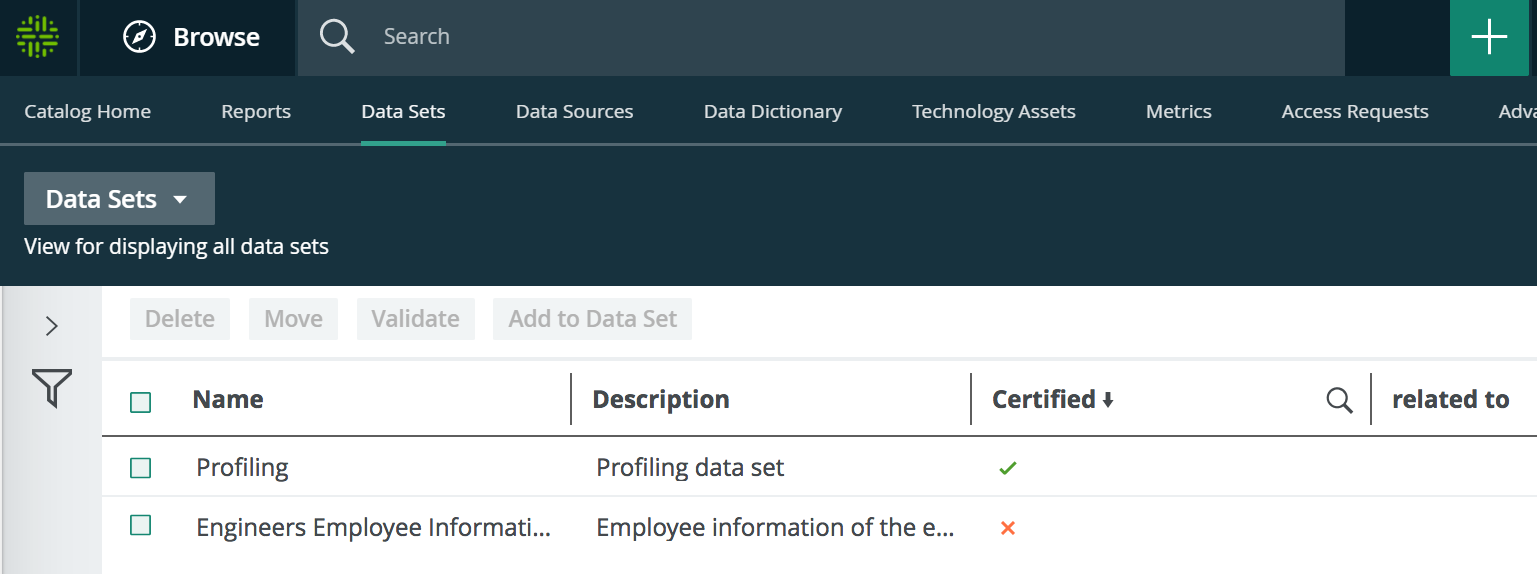
Table display mode
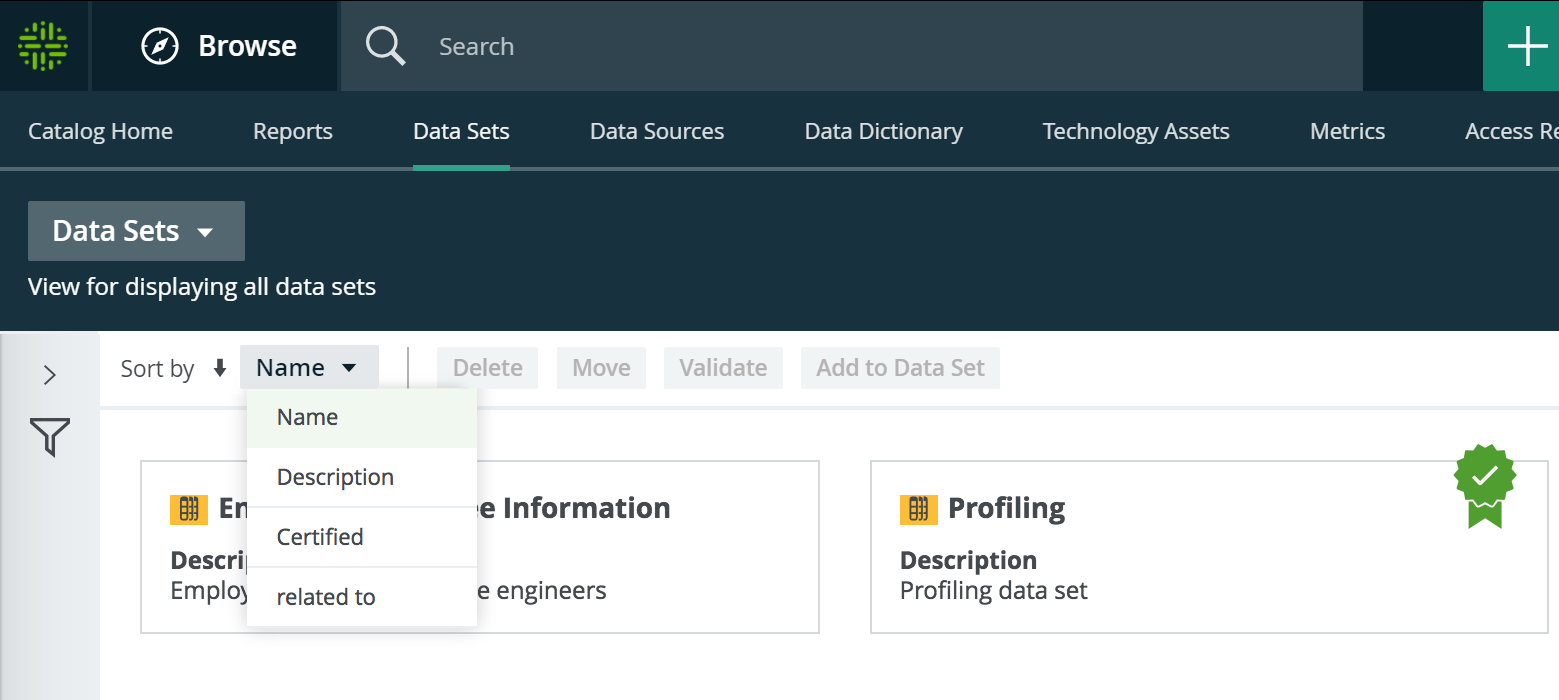
Tile display mode (if available)
Click any column header to sort the data sets. Click again to toggle between ascending and descending order.
Click Sort by to sort ascending or descending, click the dropdown box to select on what you want to sort.