Customizing asset types best practice
Applies to: Customizing asset types
Recommendation
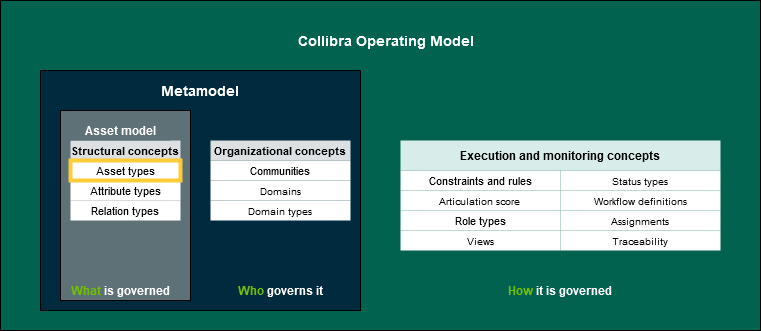
Collibra Data Intelligence Cloud offers flexibility to create new asset types, redefine relationships and behavior in-line with an organizations’ use case. This is particularly helpful when the existing out-of-the-box (OOTB) model does not meet requirements. However, such customizations should be evaluated with care to ensure the existing OOTB options have been considered fully and found unfit.
Impact
Many of the most powerful features of Collibra depend on OOTB components so using them as much as possible enhances your ability to leverage both existing and future product features and capabilities.
You can leverage all the Collibra resources more easily if you don’t create ambiguity by renaming assets differently from Collibra documentation, user guides, education, and so on.
Best Practice Recommendations
- Guiding principles - The choice of which of the paths below to take involves a tradeoff between their advantages and disadvantages and there is a cost to making changes, so it pays to evaluate these decisions carefully up-front
- For business asset types there is a strong argument for renaming or creating new asset types to match the organization’s vocabulary, thus enhancing adoption across the organization
- For data asset types it is usually better to retain the out-of-the-box asset types and names
- Try not to change the behavior of out-of-the-box asset types as both present and future product capabilities depend on these (you can add characteristics and relations – but be cautious about changing their basic behavior)
- Create custom asset types only for your organization’s unique concepts that are not already handled by out-of-the-box asset types
Topic Area
Asset Types
Monitoring this practice
For customers with established production models:
- Run the OMRE (Operating Model Reverse Engineering) on a regular basis to identify the elements above
- Run the Operating Model Diagnostic (contact your Collibra representative)
For more information see the Documentation Center:
- Asset Types
- Overview of packaged asset types