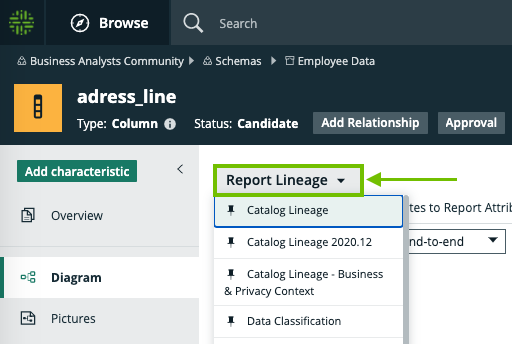
Select a diagram view
To select to a different diagram view, follow these steps:
- Open a diagram view.
- Do one of the following:
Select a pinned view: Click the current view name and select a view from the list of pinned views.
Select an unpinned view: - Click the current view name and click Show all... at the bottom.
- Click on a view in the list of views that apply to an asset of this type.