Start an asset workflow from an asset table or set of tiles
You can start a workflow for one or more specific assets.
Steps
- Navigate to a table or set of tiles.
- If you are:
- in table display mode, select the check boxes in front of the assets for which you want to start a workflow.
- in tile display mode, select the tiles for which you want to start a workflow. More information: Select multiple tiles.
- In the menu above the selected assets, click the name of the workflow you want to start.
Only workflows that can be started for all selected assets at once are available.
If necessary, fill in the form that is displayed. - Click Submit.
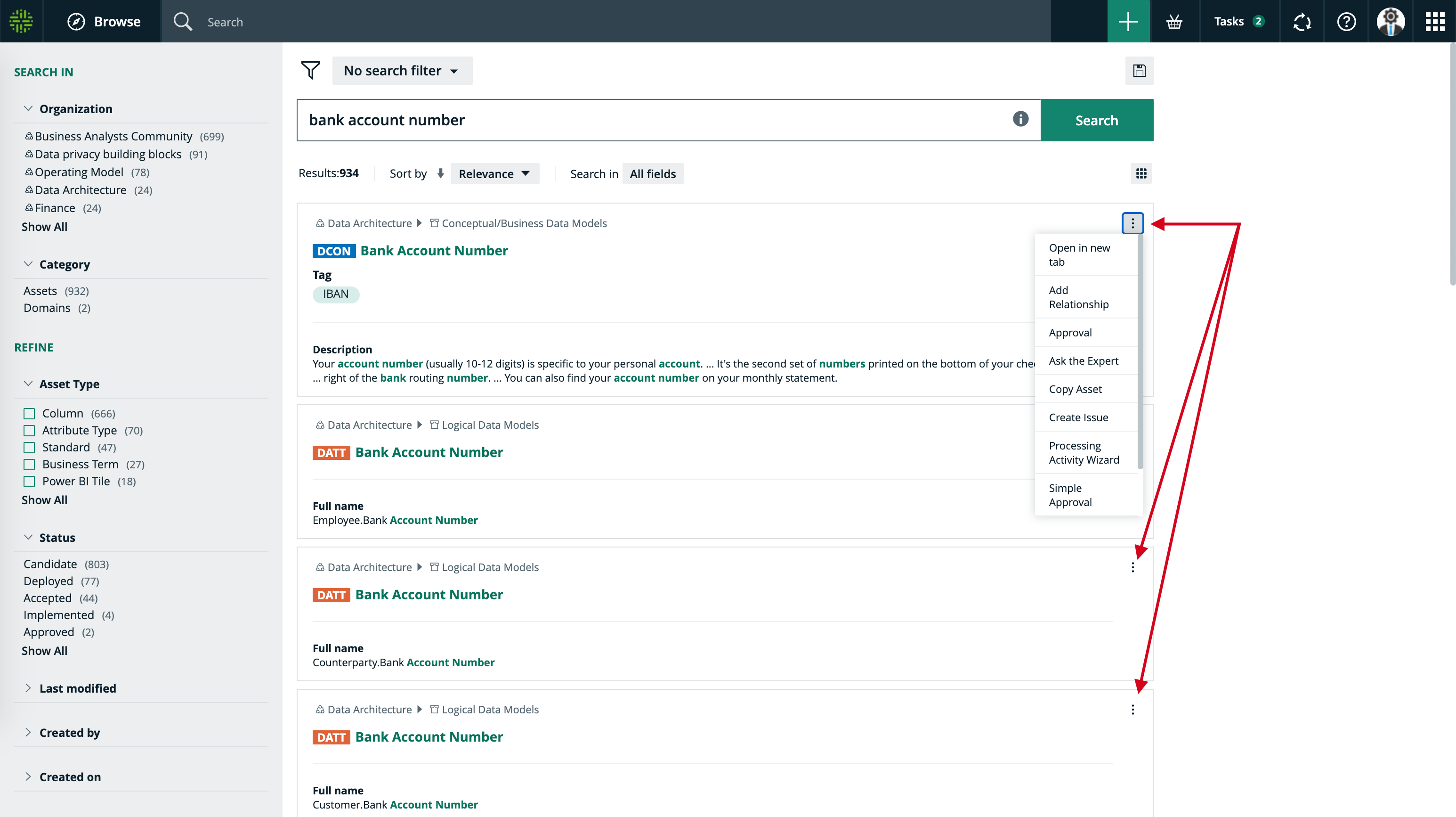
Tip On the search page, you can also start an asset workflow by clicking  for the relevant asset.