Add a widget to a dashboard
You can add widgets to curate information-rich dashboards.
Prerequisites
- If you want to manage your own dashboard, you have a global role with the Manage your own Views, Dashboards, Search filters global permission, for example Sysadmin.
- If you want to manage another user's dashboard, you have a global role with the Manage shared Views, Dashboard and Search Filter global permission, for example Sysadmin.
Steps
Tip
The steps in this procedure are different for the classic and refreshed navigation.
-
In the main menu, click
 .
In the main menu, click
.
In the main menu, click Dashboard.
-
If required, switch to the relevant dashboard.If required, switch to the relevant dashboard.
-
In the dashboard toolbar, click
 → Edit widgets.In the dashboard toolbar, click
 → Edit widgets.
 - Click a widget and drag it onto the dashboard.
You can browse through the widgets by using the page numbers below them.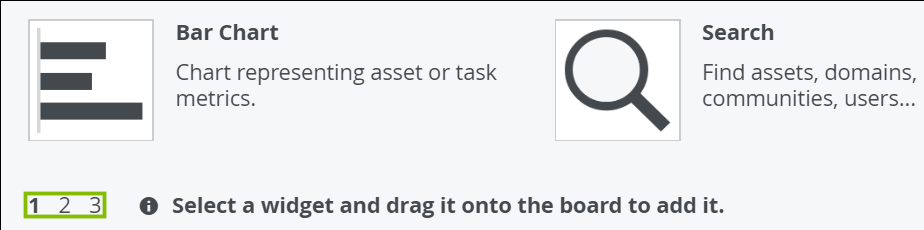
- Edit a widget as required.
-
Click Close & save edits.
