Catalog reports
The Reports page is a view that shows:
- All Report assets.
- All packaged or manually created child asset types of Report, for example BI Report, Tableau View, and Looker Query.
Report views
You can view the assets in table or tile display mode, and can perform all the same actions you can for any other table or set of tiles.
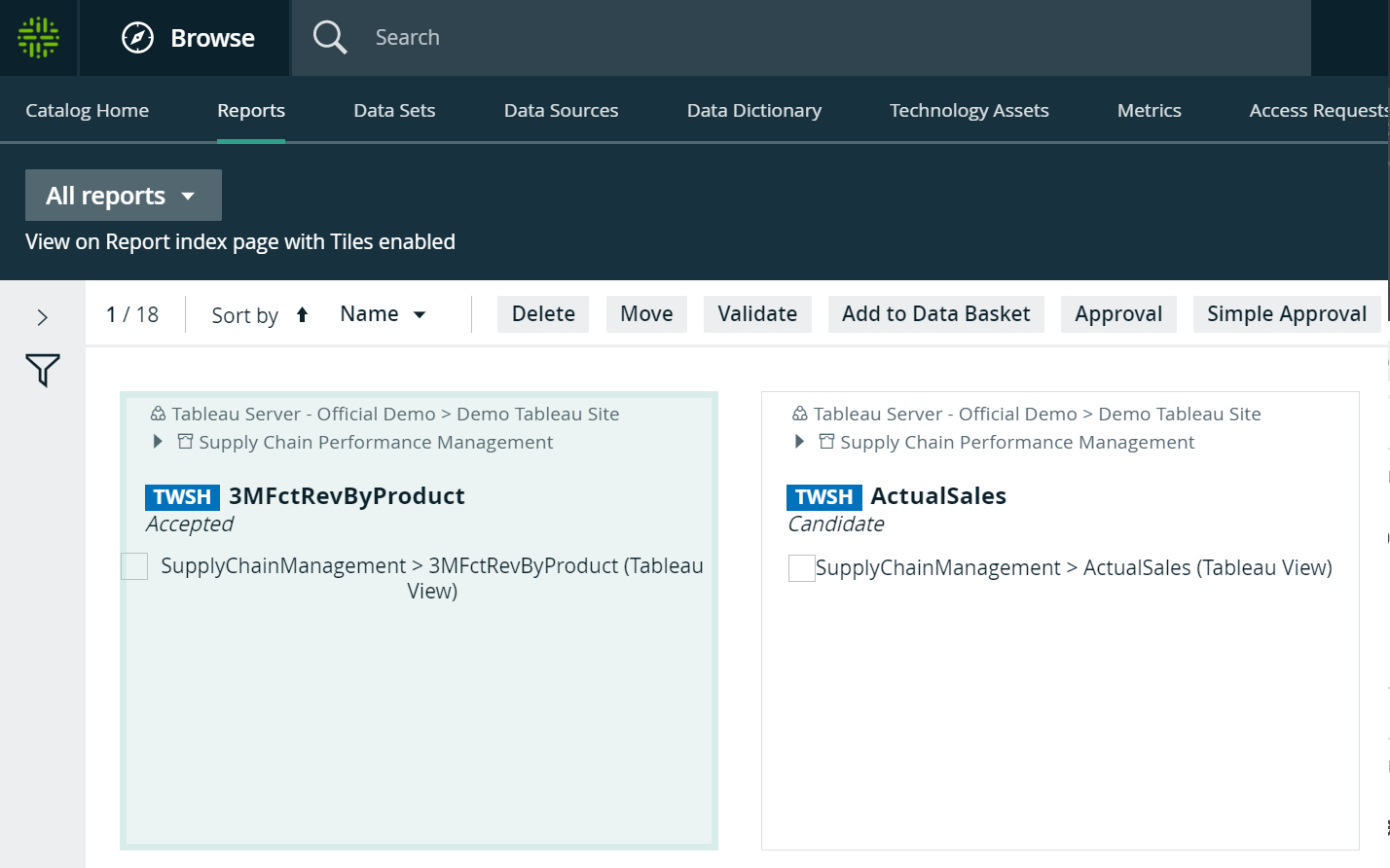
Reports in tile display mode
In tile display mode, you can do the following:
- Click an asset name to open the relevant asset page.
- Click anywhere else in the tile to select one or more assets. The list of available actions appears in the action toolbar.
Reports in table display mode
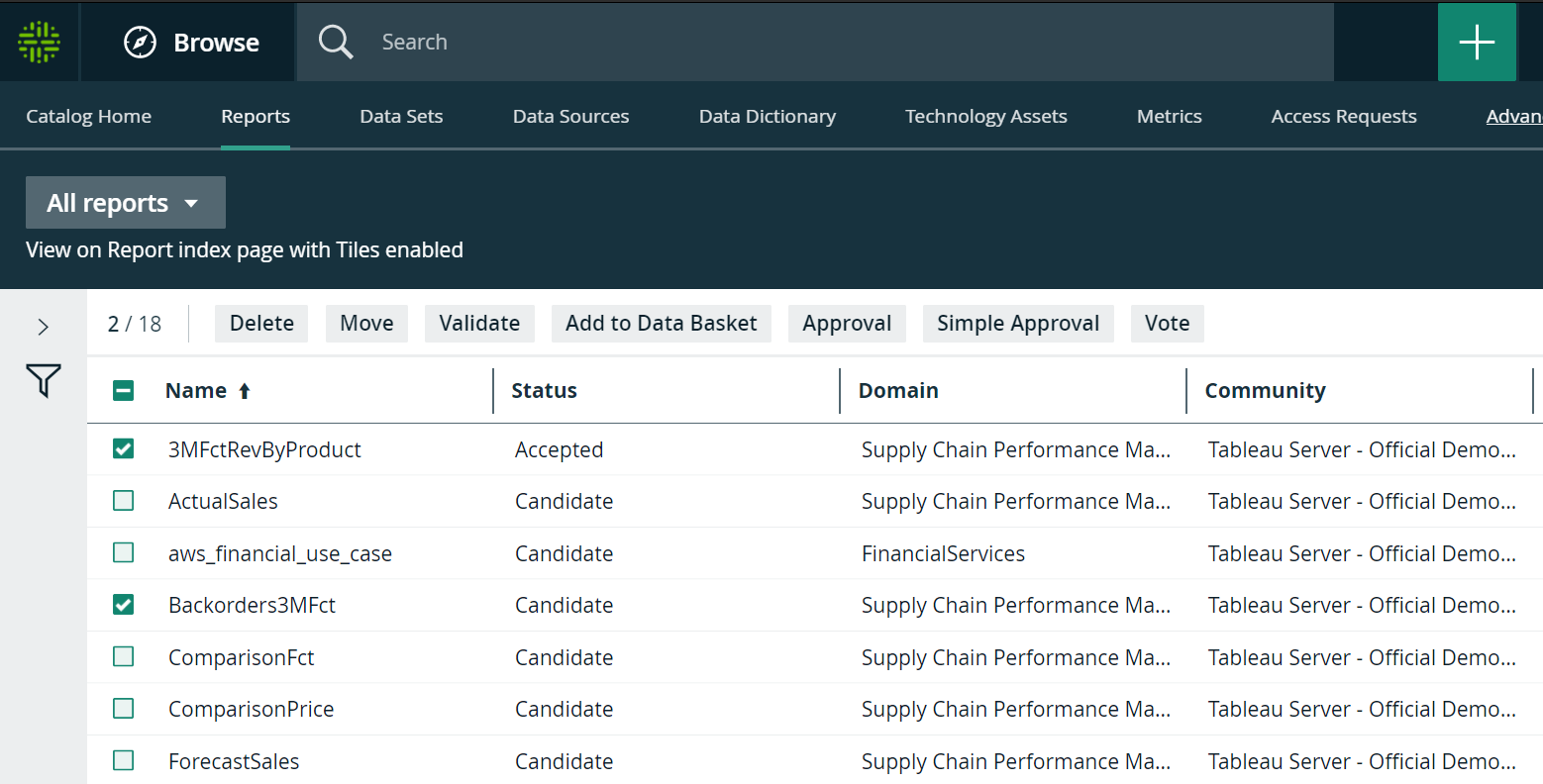
In table display mode, you can do the following:
- Click an asset name to open the relevant asset page.
- Click anywhere else in the tile to select one or more assets. The list of available actions appears in the action toolbar.
-
Filters
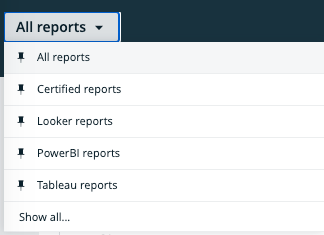
The default All reports view does not contain a filter, so it shows all Report assets. Some of the other packaged views do contain a filter. For example the Certified reports view only shows reports that are certified.
You can also create your own filter and, if necessary, save the filtered view as a new view. For example, you can create separate views for Report assets belonging to a specific source, for example Tableau, Looker or Power BI.