Relation views
The asset page provides an overview of information related to an asset, based on its asset type's assignment. This includes the relations and complex relations.
Warning You only see complex relations if you have permission to view all assets of the complex relation.
Display modes
All relations and complex relations of the same type are displayed in a separate section with the relation type as section title. Each section can be shown in different display modes:
- Table: By default, related assets are shown in a table. You can edit this table in the same way you can any other table.
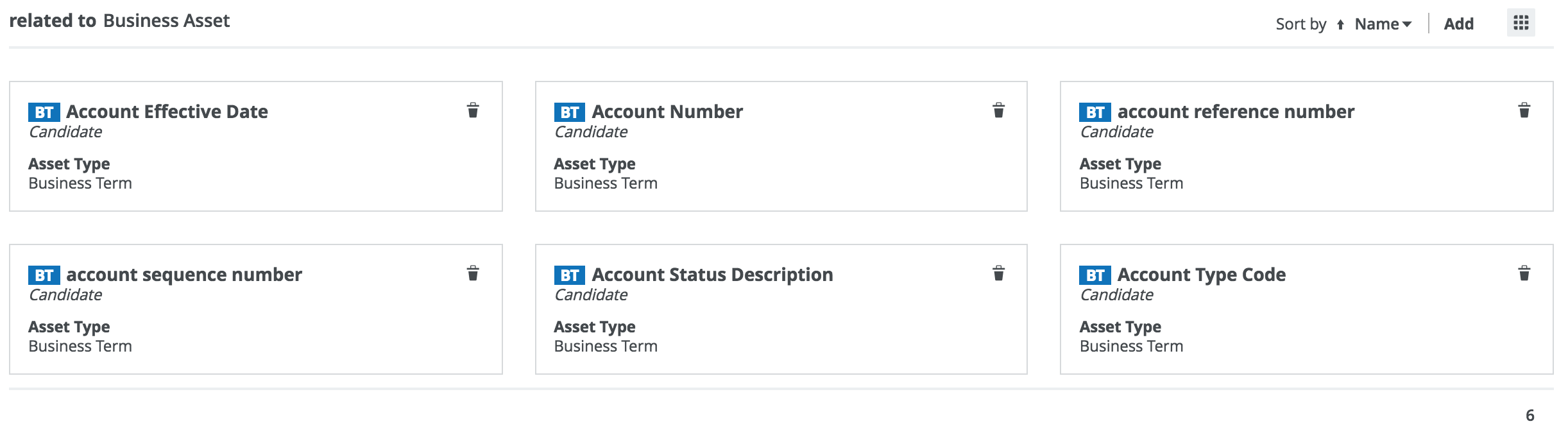
- Tiles: You can show the related assets as a set of tiles. You can edit this set of tiles in the same way you can any other set of tiles.
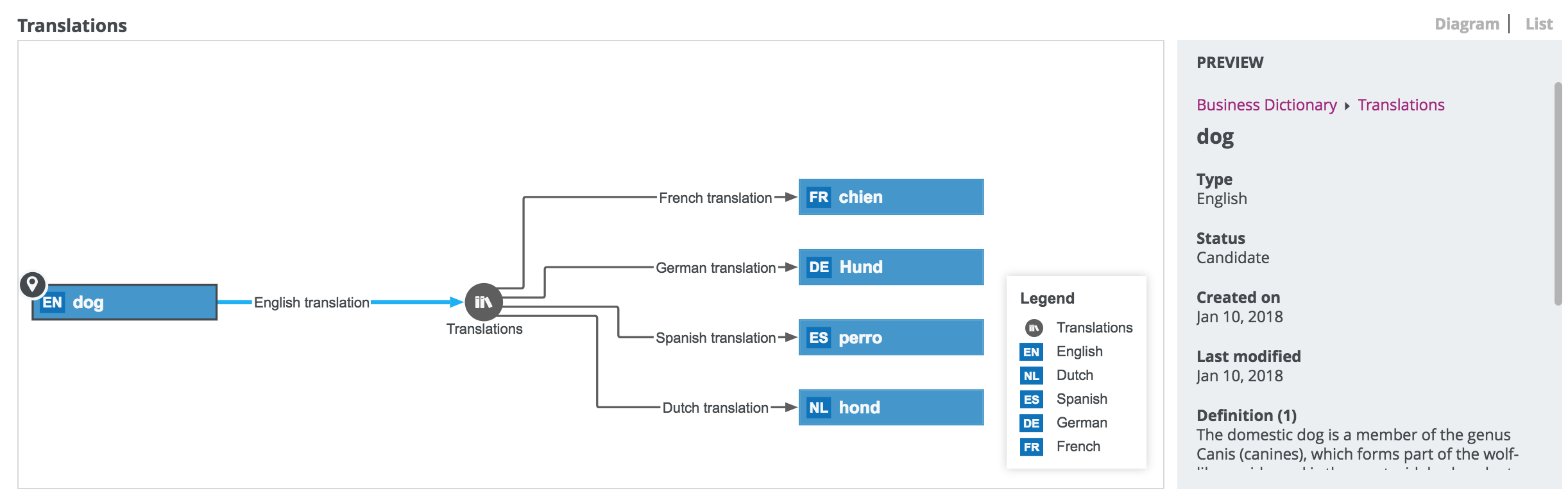
- Diagram: You can show complex relations as a diagram to visualize the underlying relations. You can scroll through the diagram and move nodes, but you cannot edit the diagram as extensively as you can via the diagram view.
 Example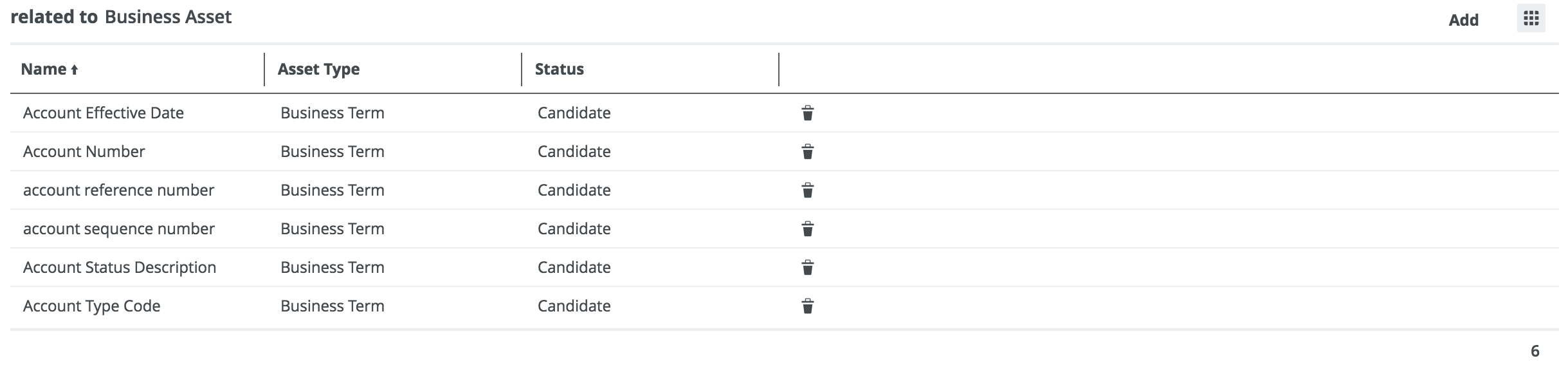
Saving and sharing the layout of relation views
For each relation type and complex relation type, there is a default layout of the relation view. Similar to regular views, you can change most elements of the layout:
- The fields.
- The display mode: table or tiles.
- The sorting and sort direction.
- The tiles or rows per page.
- If the assets are shown in table display mode, the width of each column.
If you make changes, Collibra automatically saves the layout.
If you have the Manage shared Views, Dashboard and Search Filter global permission, you can also override the layout of this relation type or complex relation type for all users by clicking  → Save for all users. The previous layout of other users is lost. However, all users can still make fresh changes.
